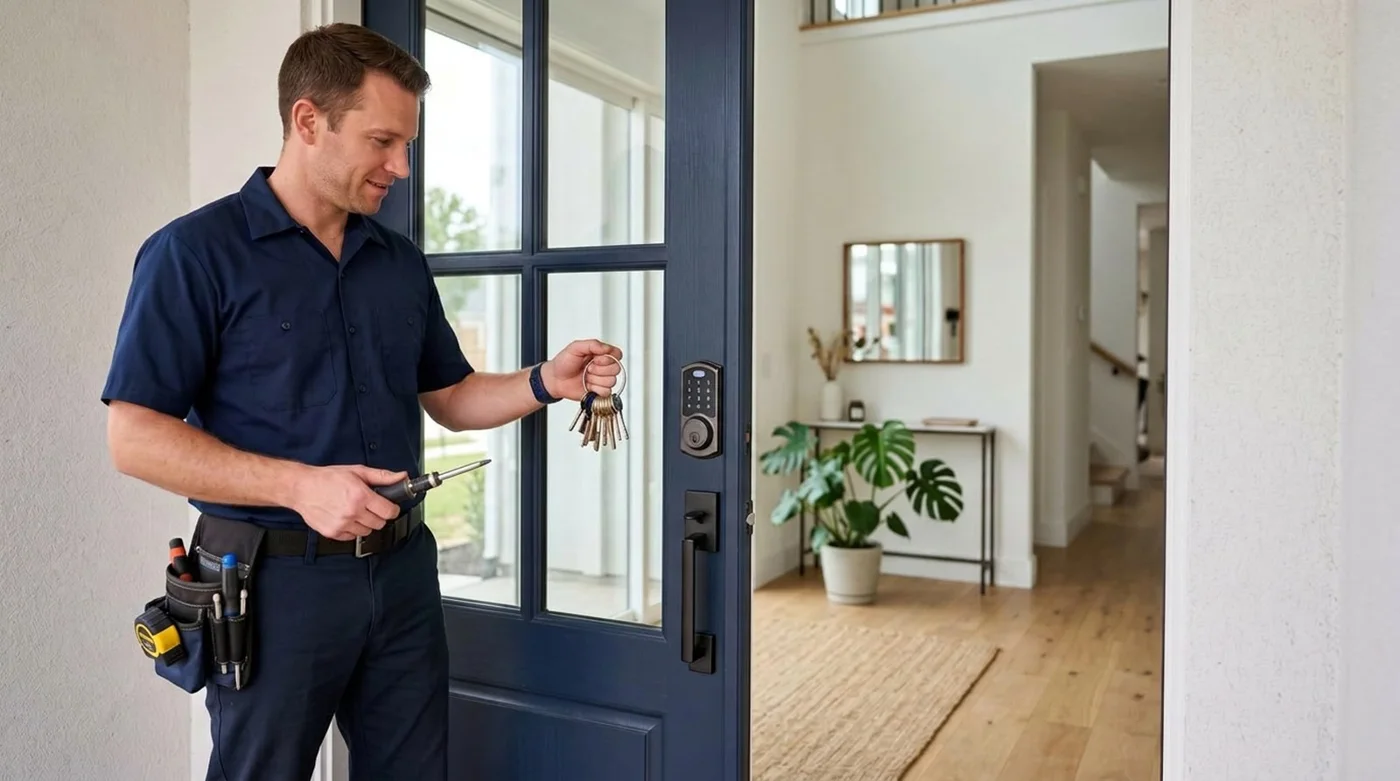
Are smart locks actually secure, or just convenient?
Security and convenience are two different questions, and it helps to separate them. A smart lock's convenience comes from the electronics: keypads, app control, temporary codes, and entry logs. Its security, however, still rests largely on the same fundamentals as any lock, which are the strength of the deadbolt, the quality of the strike plate, and how solidly it is mounted to the door frame. A premium smart lock bolted to a flimsy frame is no more secure against forced entry than a basic deadbolt in the same frame.
On the digital side, most reputable smart locks protect their wireless communication with modern encryption, commonly AES 128-bit, which makes intercepting and copying a signal impractical for everyday intruders. That said, the electronics add a second category of risk that traditional locks simply do not have: a weak password, an unpatched firmware bug, or a reused account login can become an entry point. The takeaway is balanced rather than alarming. For most homes, a quality smart lock is a reasonable security choice, but it is neither magically unbreakable nor inherently risky. It is a tool whose security tracks the care you put into choosing, installing, and maintaining it.
- Physical security depends on the deadbolt, strike plate, and door frame, not the electronics.
- Digital security depends on encryption, firmware updates, and your passwords.
- A smart lock is most secure when both the physical and digital sides are handled well.
What are the real pros of a smart lock?
The genuine advantages of a smart lock are practical and meaningful for daily life. The headline benefit is the elimination of physical key problems. There are no keys to lose, no copies floating around with former roommates or contractors, and no need to hide a spare under the mat, which is one of the oldest and weakest security habits there is.
Beyond keys, smart locks add visibility and control that a mechanical lock cannot offer. Many models keep an access log so you can see when the door was unlocked and by which code. You can issue a temporary code for a dog walker or guest and then revoke it, rather than handing over a key you may never get back. Some homeowners also find that keypad and app entry is simply easier when carrying groceries or managing kids, and auto-lock features can close a security gap that everyone has experienced: forgetting to lock the door at all.
- No physical keys to lose, copy, or hide insecurely.
- Access logs let you see when and by which code the door was opened.
- Temporary, revocable codes for guests, family, or service visits.
- Auto-lock can fix the common mistake of leaving a door unlocked.
- Remote control on Wi-Fi or hub-connected models to check or change lock status.
What are the honest cons and risks?
An honest guide has to name the downsides plainly. The most common real-world frustration is not hacking but power. Smart locks run on batteries, and a dead battery can leave you locked out unless the model has a physical key backup or an emergency power option such as a contact for a 9-volt battery. This is a manageable issue, but it is a new chore that a mechanical lock never asked of you.
The second category is the digital attack surface. While strong encryption makes wireless eavesdropping difficult, the electronics still depend on software, and software can have flaws. The practical risks for a typical homeowner are mundane rather than cinematic: a weak or reused password on the lock's app account, an account compromised because the same password was leaked from another site, or a model that has stopped receiving firmware updates. Physical tampering is also worth naming honestly. Lower-quality units can have exposed screws or weak housings, and the electronics do not change the fact that a poorly mounted lock or weak door frame remains the easiest target. We will not describe specific bypass techniques here, but the principle is simple: a lock is only as strong as its weakest physical or digital link.
- Battery dependence can cause a lockout without a backup key or power option.
- Weak, reused, or leaked passwords are a more realistic risk than direct hacking.
- A lock that no longer receives firmware updates can carry unpatched flaws.
- Cheaper housings or poor mounting can be physically vulnerable.
- Connectivity issues or app outages can interrupt remote features.
How can you tell if a smart lock is well built?
Because the marketing on smart locks emphasizes features, it pays to look past the app and check for independent quality signals. The clearest one is ANSI/BHMA certification, a grading system from the Builders Hardware Manufacturers Association that tests locks for security, durability, and finish. Grades run from 1 to 3, with Grade 1 representing the highest residential security tier, tested for hundreds of thousands of operating cycles and strong impact resistance. Many quality residential deadbolts are Grade 2, while Grade 1 is the most robust commonly available for homes. A BHMA-certified mark with strong letter grades is a far better signal than feature lists alone.
On the connectivity side, the protocol affects both reliability and how the lock fits your home. Wi-Fi models connect directly to your router for remote access but use more battery. Bluetooth models are efficient but typically need a hub for remote control. Z-Wave models connect through a compatible smart-home hub and are valued for reliability. Matter is a newer cross-platform standard designed to help devices from different brands work together more consistently. None of these protocols is automatically more secure than another, but choosing one that fits your existing setup reduces the temptation to use insecure workarounds.
- Look for ANSI/BHMA certification; Grade 1 is the highest residential security tier.
- Check that the manufacturer provides ongoing firmware or security updates.
- Confirm there is a backup entry method, such as a physical key or emergency power.
- Match the connectivity protocol (Wi-Fi, Bluetooth, Z-Wave, Matter) to your home setup.
- Favor established brands with a clear support and update history.
How do you make a smart lock as secure as possible?
The good news is that most smart lock weaknesses are within your control. The single most effective step is correct physical installation. A smart lock should be mounted to a solid door with a reinforced strike plate and long screws that reach the frame stud, because a strong deadbolt means little if the surrounding frame can give way. If you are unsure whether your door and frame are up to the task, this is exactly the kind of assessment a professional locksmith handles every day.
On the digital side, the habits are simple but important. Use a unique password for the lock's app account, never one you have used elsewhere, and enable two-factor authentication if the brand offers it. Keep firmware up to date so known flaws get patched. Avoid obvious entry codes, change codes when a guest no longer needs access, and remove old or unused codes. Finally, keep a working backup, whether that is a charged spare battery or a physical key stored somewhere safe and off the property, so a low battery never becomes an emergency.
Smart locks are also not an all-or-nothing decision. Many homeowners pair a smart lock with other sensible measures such as a reinforced frame, good exterior lighting, and a doorbell camera, so the lock is one layer in a sensible setup rather than the only thing standing between a home and a problem.
- Install on a solid door with a reinforced strike plate and frame-length screws.
- Use a unique account password and enable two-factor authentication where available.
- Keep firmware updated and remove unused or guest codes promptly.
- Maintain a backup key or charged battery so power loss never traps you out.
- Treat the lock as one layer alongside lighting, cameras, and a strong frame.
Smart lock vs traditional deadbolt: which should you choose?
Neither option is universally better; the right choice depends on what you value and how you will maintain it. A traditional deadbolt is simple, has no batteries or software, and a high-grade model is highly resistant to forced entry. Its weaknesses are the realities of physical keys: they can be lost, copied, or left in the wrong hands, and a standard lock gives you no record of who came and went.
A smart lock trades that simplicity for control and visibility. It removes key-management headaches, adds logs and temporary codes, and can be operated remotely, at the cost of batteries, updates, and account security to manage. For many households the most reassuring answer is a hybrid: a quality smart deadbolt that retains a physical key backup, giving you the convenience of keyless entry with a familiar fallback. If you are weighing the two for your specific door, we can assess your setup and recommend an honest option that fits your home and budget; request a free quote to get started.
- Choose a traditional deadbolt for simplicity and zero maintenance.
- Choose a smart lock for access control, logs, and keyless convenience.
- A smart deadbolt with a physical key backup combines both for many homes.
- The strength of the door and frame matters as much as the lock you pick.